Digital creators, visual artists, and digital marketers constantly race against tight deadlines to produce high-quality graphics. In traditional workflows, creating polished visual assets requires hours spent adjusting pixel layers, tweaking color balances, fixing lighting issues, and rendering high-resolution files across multiple complex software platforms.
Even skilled professionals often find themselves caught up in tedious mechanical adjustments rather than focusing on creative strategy. The emergence of modern generative visual technology has completely shifted this dynamic, allowing users to turn rough conceptual ideas into stunning studio-grade graphics in just a fraction of the time.
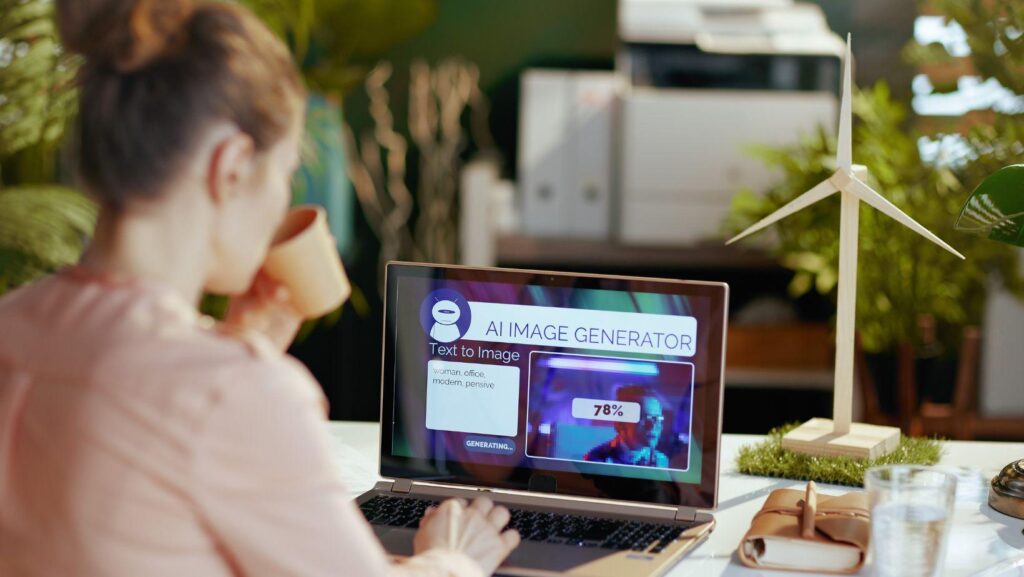
While most content creators are familiar with entering basic text prompts to create standard images, few realize how many sophisticated automation tools are packed beneath the surface of today’s visual creative engines. Leveraging an advanced AI image generator provides access to powerful secondary capabilities that streamline complex editing workflows and eliminate redundant manual effort.
By unlocking these lesser-known workflow enhancements, creators can automate tedious background fixes, expand photo ratios seamlessly, and maintain strict brand style consistency across entire visual campaigns. In this detailed guide, we will explore five hidden features that will drastically speed up your production workflow and save you countless hours of routine editing.
1. Automated Inpainting and Selective Object Replacement
One of the most powerful yet underutilized capabilities in modern creative suites is selective inpainting. Historically, removing an unwanted object or altering a specific detail in a photograph required painstaking manual masking, clone stamping, and seamless color blending across multiple layers. Selective inpainting allows users to highlight any isolated section of an image using a brush tool and describe the precise replacement needed via natural language commands.
Whether you need to swap a model’s outfit, change a product’s background lighting, or replace a distracting billboard, the system calculates perspective, shadows, and color temperature instantly. By handling realistic blending automatically, inpainting transforms hours of meticulous pixel editing into a simple three-second process. Creators can iterate through dozens of variations without touching complex selection tools, ensuring projects move from concept to final delivery at lightning speed while maintaining absolute photo realism.
2. Outpainting and Intelligent Canvas Expansion
Repurposing visual assets across diverse digital channels often presents a major technical challenge due to conflicting aspect ratios. A portrait photo designed for Instagram Stories rarely fits horizontal website banners or widescreen video displays without cropping out vital content. Outpainting solves this issue by analyzing the structural elements, lighting cues, and stylistic textures of an existing visual and extrapolating what lies beyond its original borders. Instead of spending hours manually reconstructing backgrounds or adding artificial blurred side panels, outpainting generates cohesive extensions that seamlessly match the source image.
The algorithm predicts background textures, lighting continuations, and contextual geometry to create an expanded frame that looks completely natural. This functionality saves creators from having to re-shoot or re-design assets from scratch whenever a new banner size, thumbnail format, or display specification is required.
3. Style Transfer and Visual Consistency Control
Maintaining visual brand consistency across large marketing campaigns can be notoriously difficult when generating digital assets. In traditional setups, artists spend substantial time refining prompts and color grading footage to match an established aesthetic. Built-in style transfer features overcome this obstacle by allowing creators to upload a reference image that serves as a permanent stylistic blueprint. The engine extracts key visual characteristics—such as color palettes, lighting mood, brush stroke styles, and contrast curves—and applies them uniformly to newly generated subjects.
This means you can maintain identical brand aesthetics across dozens of diverse promotional graphics without rewriting complex prompt parameters every time. By establishing standardized visual templates, marketing teams save immense time during multi-asset rollouts, ensuring that every published graphic remains on-brand, professional, and visually aligned across all channels.
4. Batch Prompting and Iterative Variation Rendering
When exploring visual direction for a project, rendering individual graphics one by one creates significant workflow bottlenecks. Batch prompting and automatic variation rendering allow creators to generate multiple stylistic and structural alternatives simultaneously from a single core prompt. Instead of manually re-entering prompt modifications for lighting, camera angles, or character expressions, the platform automatically renders a grid of variations displaying subtle differences in composition and mood.
Creators can evaluate several creative pathways side-by-side in real time, selecting the strongest visual direction immediately. Additionally, batch processing supports parameter swapping, enabling users to test different artistic genres across a single subject in a single pass. This parallel workflow eliminates repetitive rendering cycles, allowing design teams to complete initial brainstorming phases and client presentation decks in minutes rather than spending entire afternoons generating individual files.
5. AI Upscaling and Automated Resolution Enhancement
Generating a compelling image concept is only half the battle; preparing that asset for high-resolution print or crisp digital display requires significant technical polishing. Historically, increasing image resolution caused pixelation, blurriness, and loss of critical detail, forcing designers to spend hours applying sharpening filters and manual noise reduction. Integrated neural upscaling tools resolve this issue by intelligently predicting missing pixel details rather than merely stretching existing pixels.
By analyzing micro-textures, edge sharpness, and color gradients, the upscaler inserts clean, photorealistic details into low-resolution drafts. Low-res concepts transform into ultra-sharp 4K or 8K assets ready for commercial use with a single click. This feature eliminates the need for expensive third-party upscaling software or manual sharpening workflows, ensuring that final deliverables remain crisp, professional, and suitable for high-definition displays or physical print collateral.
Final Thoughts
Leveraging modern visual generation platforms is no longer just about generating creative pictures from scratch; it is about reclaiming valuable time and optimizing your entire creative workflow. The hidden features detailed above—ranging from automated inpainting and seamless canvas expansion to style transfer, batch rendering, and intelligent upscaling—effectively eliminate the tedious mechanical tasks that once consumed hours of a designer’s workday.
By shifting routine technical execution to intelligent automation tools, content creators, business owners, and digital marketers can dedicate their energy to big-picture strategy and creative storytelling. As these tools continue to evolve, mastering their advanced, built-in features will remain the ultimate competitive advantage for producing studio-grade visuals quickly, efficiently, and without unnecessary production friction.
Frequently Asked Questions
How does selective inpainting differ from traditional photo editing?
Traditional editing requires manual selection, masking, and complex layer blending to alter image details. Inpainting automates this by letting you brush over an area and enter a text prompt; the system then generates new pixel content that automatically matches the lighting, depth, and shadows of the original image.
Can outpainting expand any image format without losing quality?
Yes, outpainting analyzes the existing composition and generates contextually accurate extensions around the borders. This allows you to convert square or vertical photos into widescreen banners seamlessly without stretching or distorting the original subject.
Does style transfer work with custom brand assets?
Definitely. You can upload brand guidelines, mood boards, or existing hero images as reference files. The platform extracts the lighting, color scheme, and texture rules to ensure all new generations align perfectly with your established brand identity.
Are upscaled images suitable for professional print materials?
Yes, integrated neural upscaling re-synthesizes micro-textures and sharpens edges, allowing low-resolution drafts to be exported in crisp 4K or 8K resolutions suitable for both digital screens and high-quality print production.
Do these features require advanced technical or design skills?
No, all of these advanced features are designed with user-friendly interfaces that rely on intuitive sliders, brush tools, and natural language prompts, making professional-grade visual editing accessible to complete beginners.